Monday, October 6, 2025
Check out what’s new

Download the “Epicenter Now” App
Take Epicenter with you anywhere. For Epicenter members, by adding the app to your phone, you’ll have quick, secure access to the tools and information you need—right at your fingertips. Stay organized, responsive, and in control no matter where the day takes you. Not a member yet? Request a demo!
For IPhone Users
Or download manually:
- Open the App Store on your iPhone.
- Tap Search (bottom right).
- Type Epicenter Now into the search box and tap Search.
- Find EpicenterNow and tap Get (or the cloud icon) to install.
- After install tap Open, then Sign in with your Epicenter login information.
For Android Users
Or download manually:
- Open the Google Play Store app.
- Tap the Search bar at the top.
- Type Epicenter Now and search.
- Find EpicenterNow and tap Install.
- After install tap Open and Sign in with your Epicenter login information.
Activate AI in Your Account!
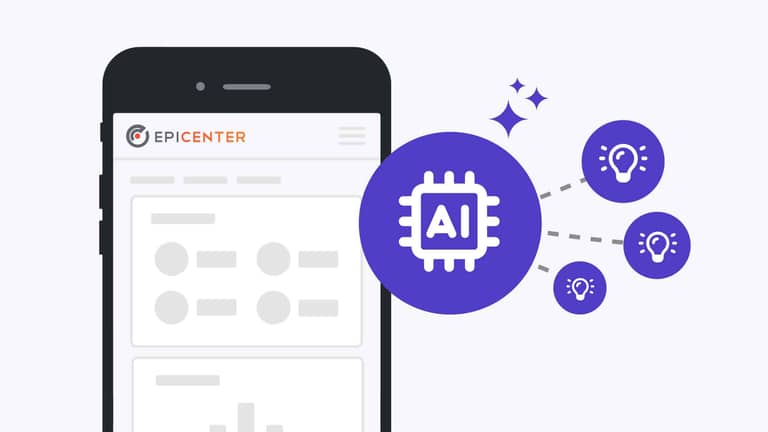
Start using Epicenter’s new AI features. Let us know you want it activated in your account to get smarter insights, faster answers, and easier ways to manage your work—all built directly into Epicenter.
Epicenter’s AI-powered tools are designed to make reviewing submissions faster, more consistent, and more insightful—while always keeping humans in control. These features support authorizers, reviewers, and program teams by reducing time spent on manual document review and highlighting what matters most.
AI Document Summary automatically generates clear, concise summaries of uploaded files within a submission. Instead of reading through lengthy or complex documents, users can quickly understand the key points through a short overview and a set of highlighted takeaways. This helps teams save time, maintain consistency across reviews, and make informed decisions more efficiently. Whether reviewing a single file or multiple submissions, AI Summary provides a scalable way to quickly grasp essential information.
AI Criteria Review takes document analysis a step further by evaluating submitted files against defined criteria. The feature provides structured feedback, indicating whether key requirements appear to be met and offering brief reasoning aligned to each criterion. This helps reviewers quickly identify strengths, gaps, and potential follow-up questions—without manually cross-referencing documents. By standardizing how submissions are evaluated, AI Criteria Review improves consistency and allows teams to focus their time on higher-value decision-making.
Both features are designed to assist—not replace—human judgment. They are permission-based, optional tools that enhance the review process while ensuring that final decisions always remain in the hands of experienced reviewers.